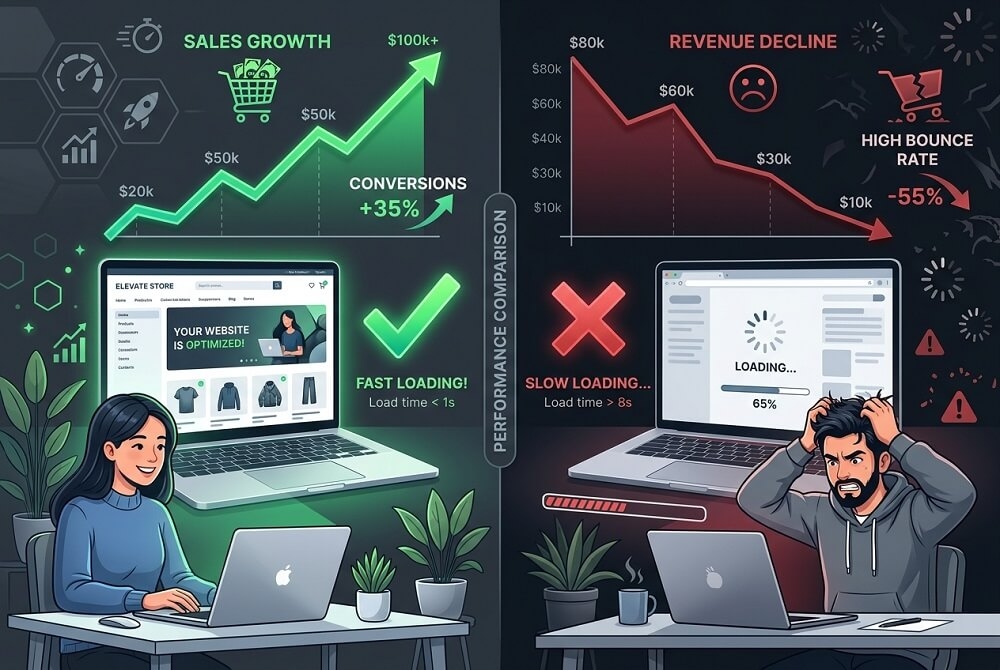
In the digital world, patience is a luxury your customers simply do not have. Research consistently shows that the majority of online visitors will abandon a website if it takes more than three seconds to load. If your website is slow, you are not just delivering a poor experience – you are actively losing revenue.
Website speed is no longer a technical concern reserved for developers. It is a business-critical metric that directly affects your conversion rates, your search engine rankings, and your brand perception. Here is what you need to understand.
The Business Cost of a Slow Website
Every additional second of load time translates into measurable losses. A one-second delay in page response can result in a 7% reduction in conversions. For an e-commerce store generating modest revenue, that figure compounds quickly into a significant annual loss.
Beyond conversions, search engines like Google factor page speed directly into their ranking algorithms. A slow site does not just frustrate your users – it pushes you further down search results, reducing the volume of visitors reaching you in the first place.
There is also the matter of brand trust. A slow, clunky website signals to a potential client or customer that your business lacks professionalism or investment. First impressions are formed within milliseconds, and speed is a core part of that impression.
What Causes a Slow Website?
- Unoptimised images that are too large in file size
- Cheap shared hosting that cannot handle traffic spikes
- Excessive plugins or third-party scripts loading on every page
- No content delivery network (CDN) to serve assets from nearby servers
- Bloated, inefficient code or outdated website themes
- No caching in place, forcing the server to rebuild pages on every visit
How to Fix It: Practical Steps
The good news is that most speed issues are fixable with targeted interventions. Here is where to start:
- Compress and convert images to modern formats such as WebP, which maintains quality at a fraction of the file size.
- Upgrade your hosting environment. Managed or dedicated hosting with SSD storage and server-side caching is a significant upgrade over basic shared plans.
- Audit and remove unnecessary plugins. Every additional script adds weight to your page load.
- Implement a CDN so that static assets are delivered from servers geographically close to your users.